

Please find all of our patron-facing resources here!
Go to: Aspen | CloudLibrary | Highlights | SHARE | SHARE Mobile Library
Aspen
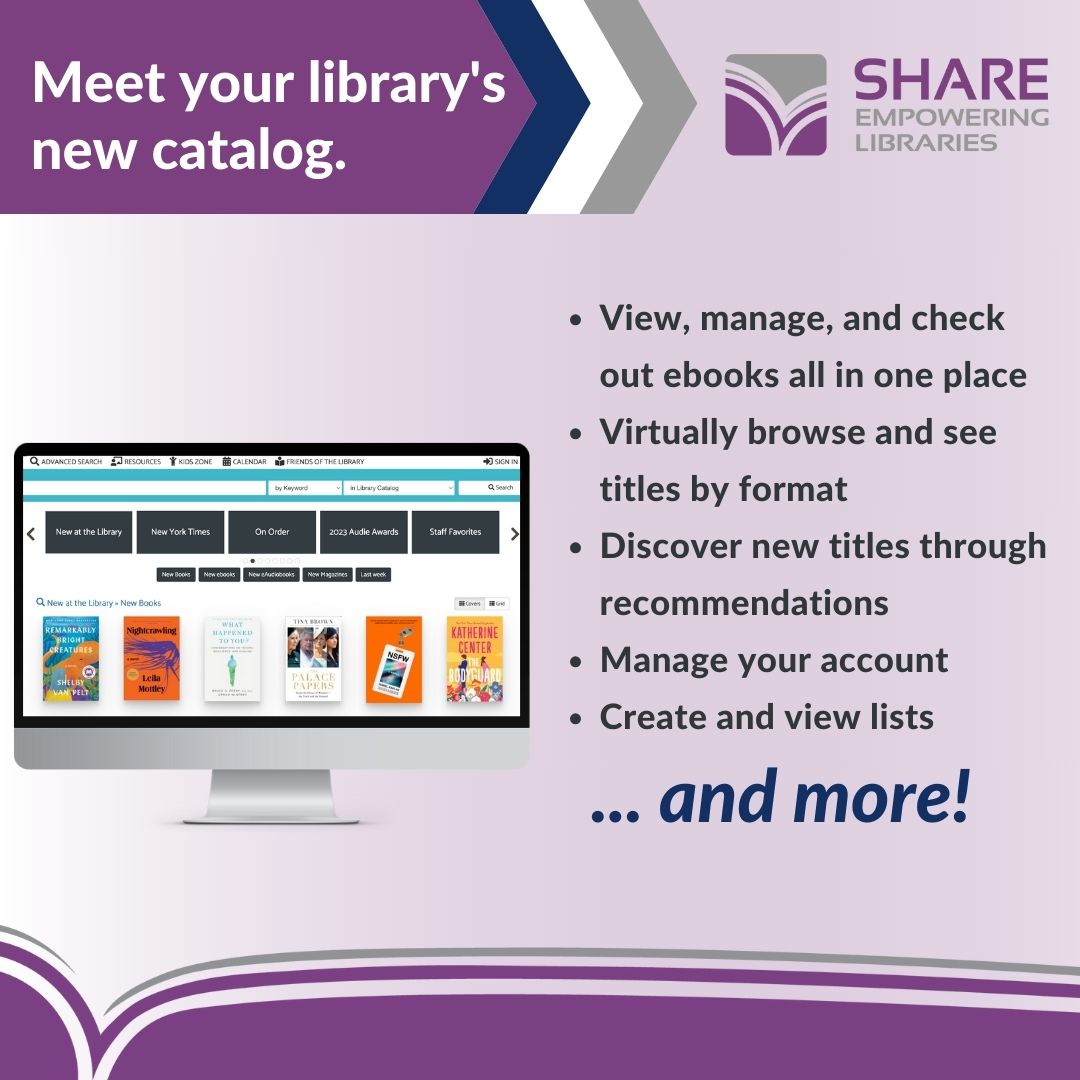
To help your patrons and library staff with the transition to Aspen, we have prepared marketing materials for your use! Below is a PDF of each resource and a link to each Canva template that you can customize with your library's logo and contact information.
PDF Format
Aspen Quick Start Guide – Patron Facing/Library Staff
Aspen Social Media Post PNG - Patron Facing
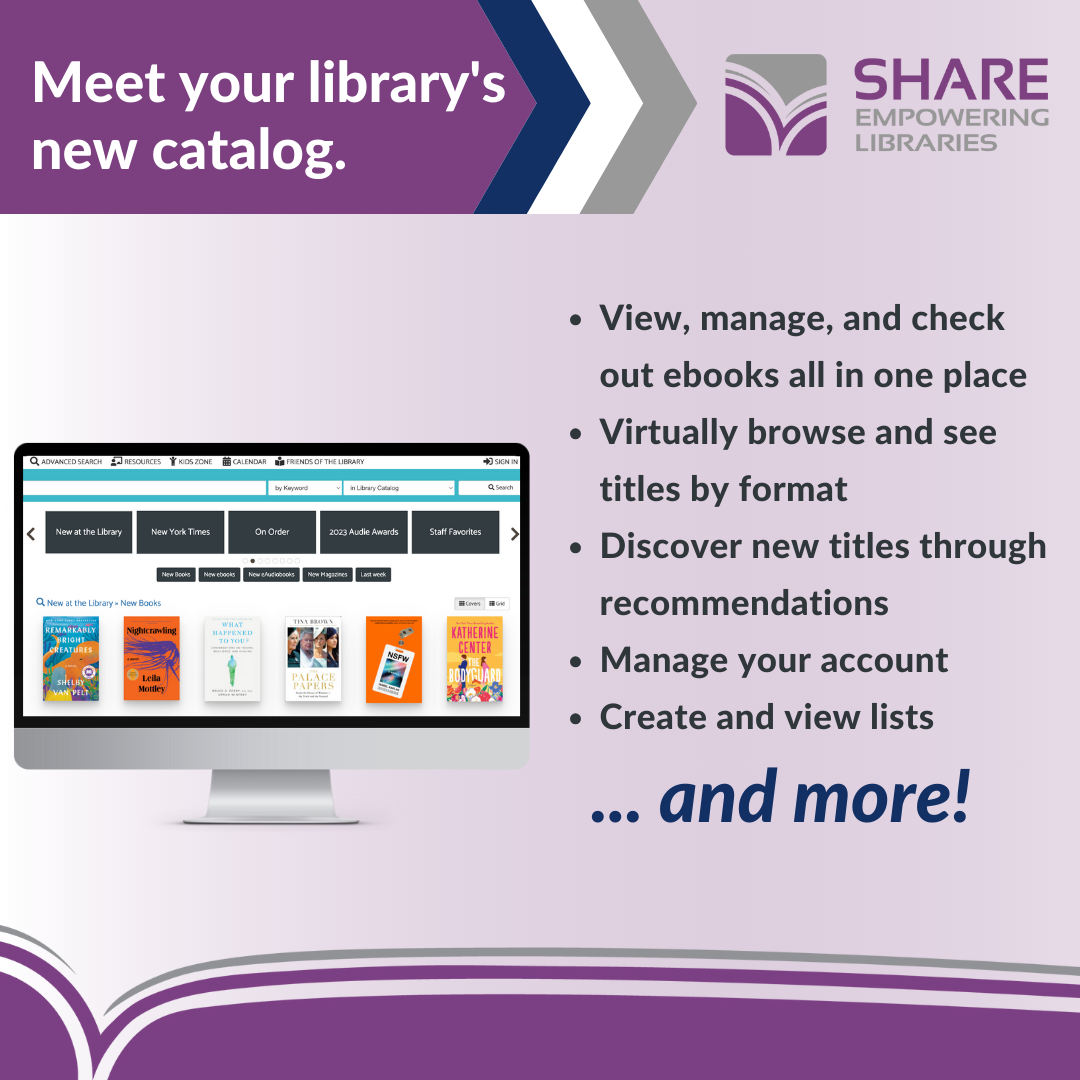
Aspen Social Media post JPG - Patron Facing
Aspen Bookmarks: Singles – Patron Facing
Aspen Bookmarks: 4up – Patron Facing
Canva Templates
Aspen Quick Start Guide – Patron Facing/Library Staff
Aspen Social Media Post – Patron Facing
Aspen Bookmarks: Singles – Patron Facing
Aspen Bookmarks: 4up – Patron Facing
CloudLibrary
App Icons
 [ 50x50 ]
[ 72x72 ]
[ 100x100 ]
CloudLibrary - Lending Policies
CloudLibrary User Guide - Brochure - Editable with Canva
CloudLibrary User Guide - Flyer - Editable with Canva
CloudLibrary User Guide - Brochure - Print only
CloudLibrary User Guide - Flyer - Print only
Highlights
Visit our Highlights page for Book lists and readers' advisory content for patrons.
SHARE
Favicon
SHARE Favicon (will download immediately)
Logos
Low-resolution image (199px x 63px)

High-resolution image (1192px x 374px, shown here as 600px x 188px)
Low-resolution icon (63px x 63px)

Low-resolution image (374px x 374px)
SHARE Mobile Library
Promote the app to your library patrons where they'll be sure to see it: at the circulation desk, study desks, entrance doors and windows, and digital displays.
Signs
Portrait-orientation: full-size PDF -- printed copies
Portrait-orientation: full-size PNG -- digital displays
Landscape-orientation: full-size PDF -- printed copies
Landscape-orientation: full-size PNG -- digital displays
Bookmarks
Bookmark PDF for Professional Printers
Bookmark PDF for In-Library Printing
Logo

Social Media
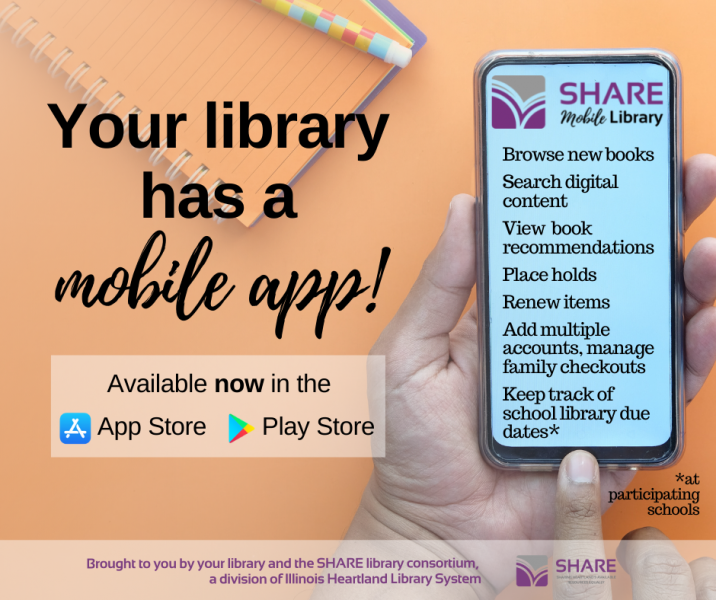
SUGGESTED POST:
Now it's easy to manage multiple accounts, keep track of checkouts and due dates, and renew items from your mobile device using the SHARE Mobile Library, [LIBRARY NAME's] new app! Search for books, DVDs, video games, audiobooks, e-books, and more. Find it now in the Apple App store or Google Play Store.
Brought to you by [YOUR LIBRARY] and the SHARE library consortium, a division of Illinois Heartland Library System
IMAGE ALT TEXT:
Image of a hand holding a smart phone with the SHARE Mobile Library logo. Text on the image says: Your library has a mobile app, the SHARE Mobile Library! Browse new books, search digital content, view book recommendations, place holds, renew items, add multiple accounts, manage family checkouts, keep track of school library due dates* (*at participating schools). Available now in the Apple App Store and the Google Play Store. Brought to you by your library and the SHARE library consortium, a division of Illinois Heartland Library System.